Who to Contact When Working with Credit Cards

It can sometimes be difficult to know who to contact when you’re working with the credit card integration in Tabs3 software. Below you’ll find the three sources in which you can receive assistance.

When to Contact Tabs3:

If you need technical assistance when setting up the credit card integration in Tabs3 software, please contact Tabs3 technical support at (402) 419-2210.

When to Contact TSYS:

If you have any sales-related questions pertaining to consultant programs or signing up a firm with a new merchant account, please contact your respective TSYS Sales Representative. Their areas are as follows:

When to Contact ProPay:

You should contact ProPay support at [email protected] when you have any technical questions or issues. They typically only provide support through email, but in your email you can request to have them call out to you if required.

When you have a firm sign up for a credit card merchant account with ProPay, make sure the email address for credit card issues is a contact at the firm and not your own. This will help prevent miscommunication between ProPay and the firm.

Sunset of Version 16

Effective June 1, 2018, we will no longer support version 16 of the Tabs3 and PracticeMaster software. Knowledge Base article R11050 provides additional information about the product life cycle of Tabs3 and PracticeMaster software.

Please advise clients using these older versions that they will need to update in order to receive support after June 1 of next year.

The June 2017 User Newsletter has an announcement on the sunsetting of version 16. Clients using version 16 will be reminded each time they speak with a Technical Support Representative. Please contact our Sales Department for pricing information or to place an order.

New Webinar: The Importance of Backing Up the Software

I’m excited to announce that we have a new webinar that promotes Platinum and HotBackups!

This 30-minute session will help our clients take a closer look at common backup concerns, how to create a backup strategy that is right for their firm, and learn about the built-in backup options in the software.

Clients can sign up here: www.tabs3.com/PlatinumWebinar.

As always, if one of your clients or leads signs up for the webinar, we will pass that lead on to you.

Tags:

Tabs3 Connect Subscription Option for PracticeMaster Only Firms

We are excited to inform you that we have added a Tabs3 Connect subscription option for PracticeMaster only firms.  The price for these subscriptions will be the same as the Tabs3 Connect subscriptions for Tabs3 only firms – today that’s $66 / year / named user.  As a reminder, we will offer Tabs3 Connect for free to all PracticeMaster only Platinum firms through December 1.  At that time we will invoice them for their configured Tabs3 Connect users for the following 12-month period.  Given the number of prospects that have expressed an interest in this, we wanted to make this available right away.

If applicable, we will send you a list of your firms that can take advantage of this opportunity.  We do plan to send PracticeMaster only Platinum firms a notification that this is available and will include your contact information in case they are interested.

In order for a PracticeMaster only firm to use this feature, the firm will need to update to the latest version.  Additionally, PracticeMaster and the Platinum server must be on maintenance. Steps for configuring Tabs3 Connect can be found in Knowledge Base Article R11480, “All About Tabs3 Connect.”

Please let your sales rep know if you have any questions.

New Webinar: How to Track Collections Within Tabs3

I’m excited to announce that we have a new webinar available for clients and prospects starting May 17!

How to Track Collections Within Tabs3

Following up on overdue balances can be a time-consuming task, but with Tabs3, you can easily track how much a client owes you, how much is overdue, and document the last time you talked to them! Join our new 30-minute webinar, How to Track Collections Within Tabs3, to learn how to track collections and how you can shift the collections risk from your firm.

Sign up link: www.tabs3.com/creditcardwebinar

2017 Forum Pictures


xDan Welcome

Dan Berlin welcomes everyone to the big event.

xAffinity Awards

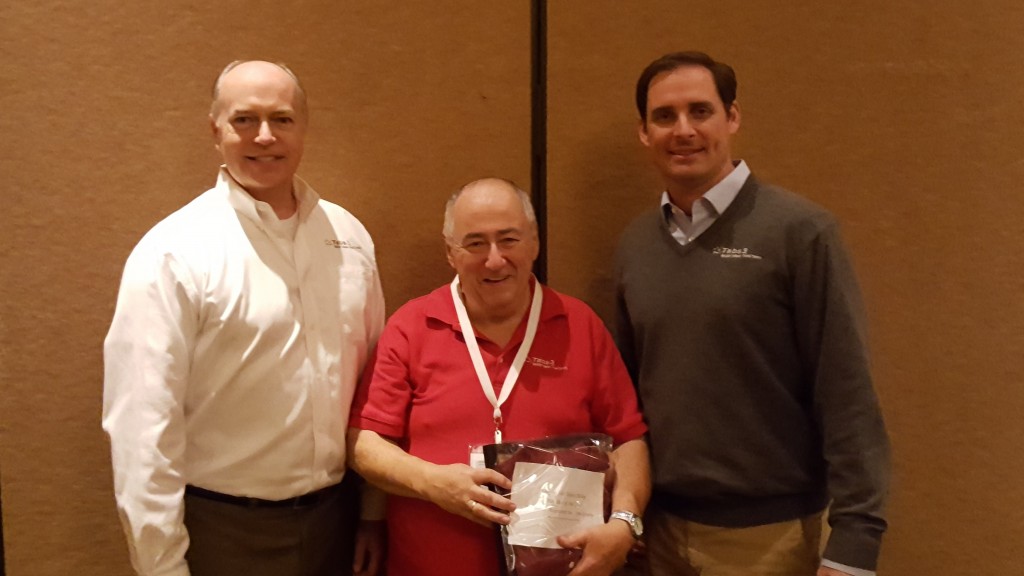
Members of Affinity Consulting Group pose with Scott Baird and Dan Berlin in celebration of sweeping the overall sales awards.

xAttorney Computer Systems wins

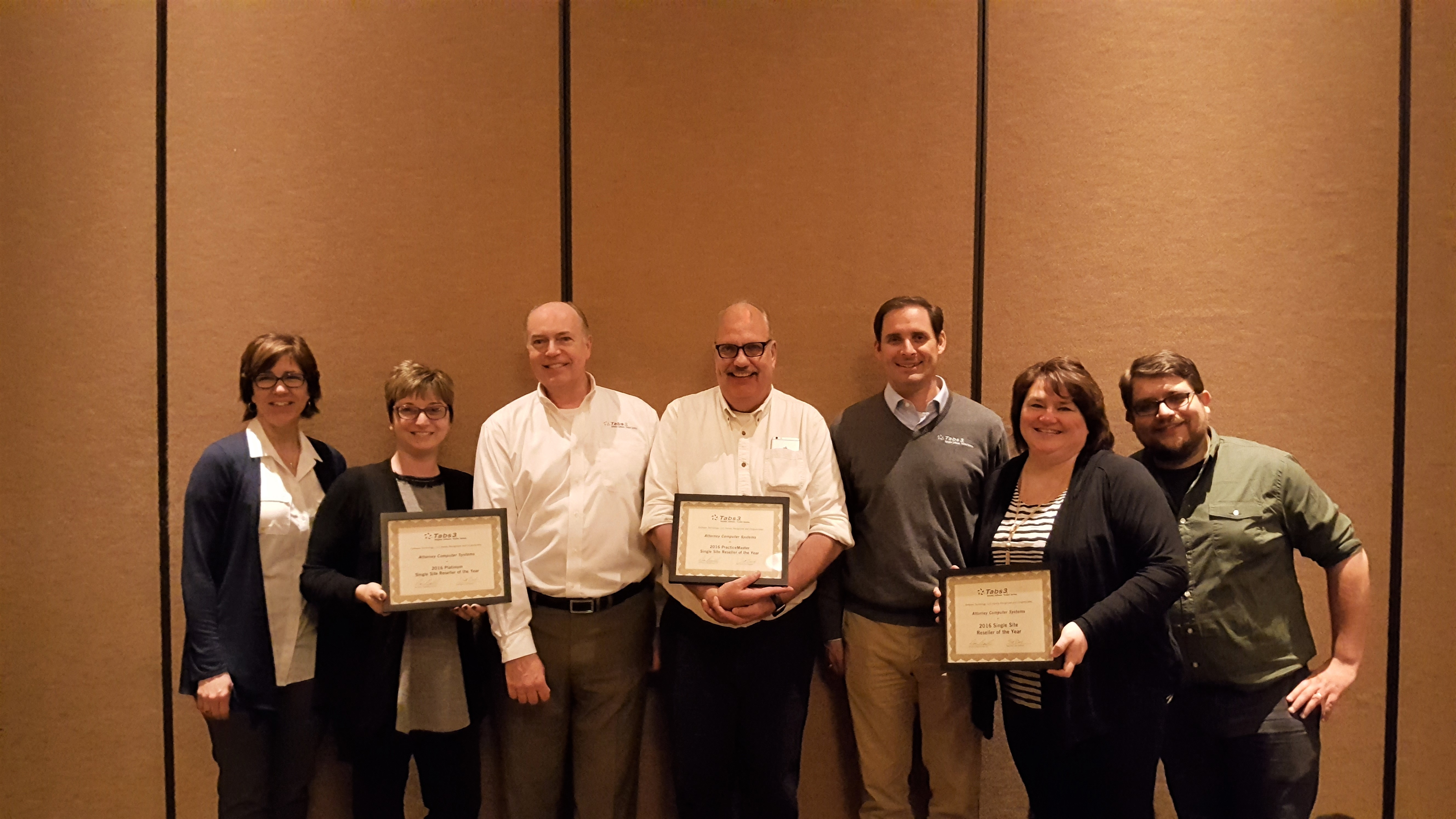
Attorney Computer Systems accepts three awards including Single Site Reseller of the Year.

xBrad addresses room

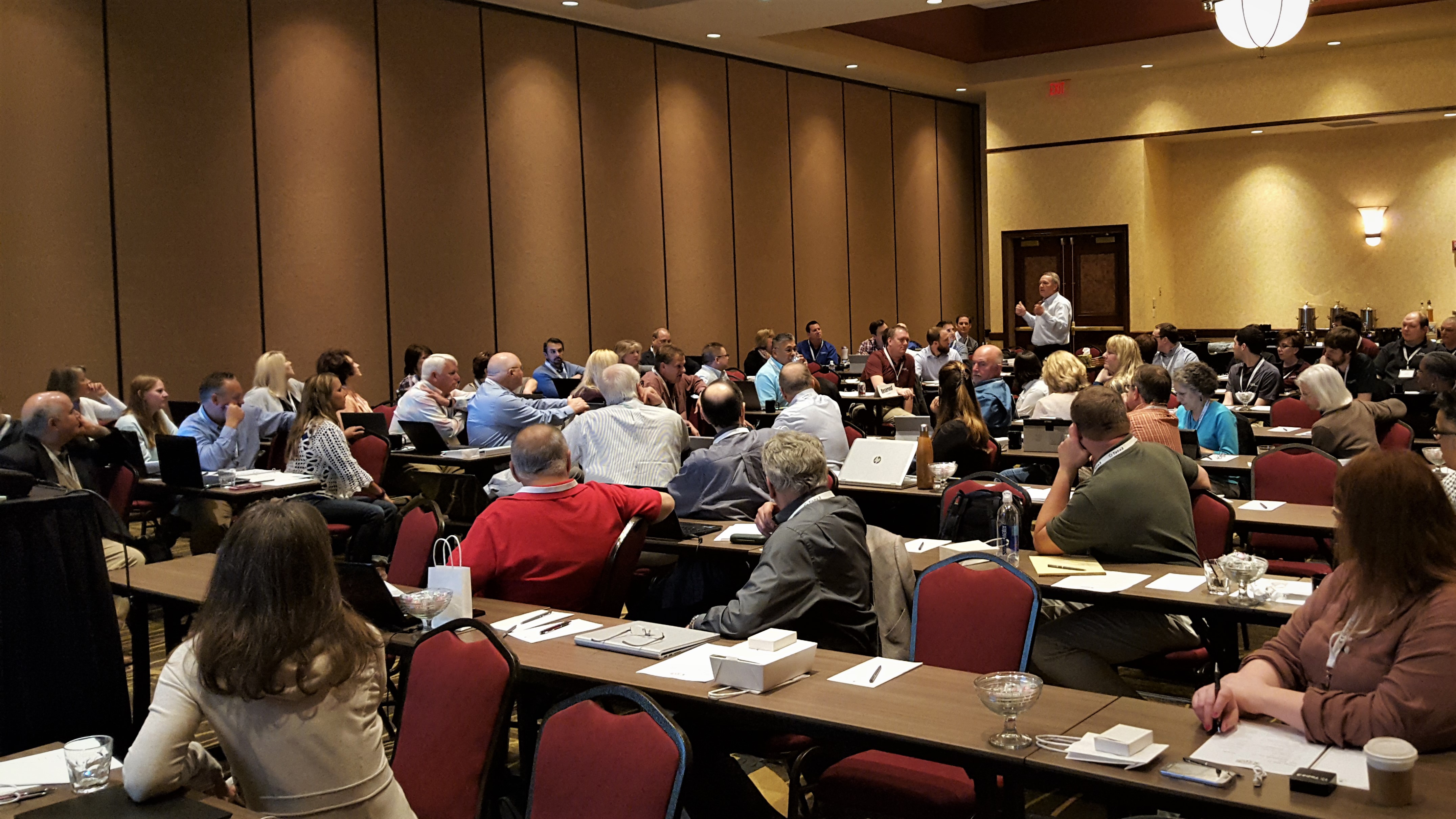
Brad Berlin talks about an exciting future for Software Technology.

xCheryl Atherton gets help

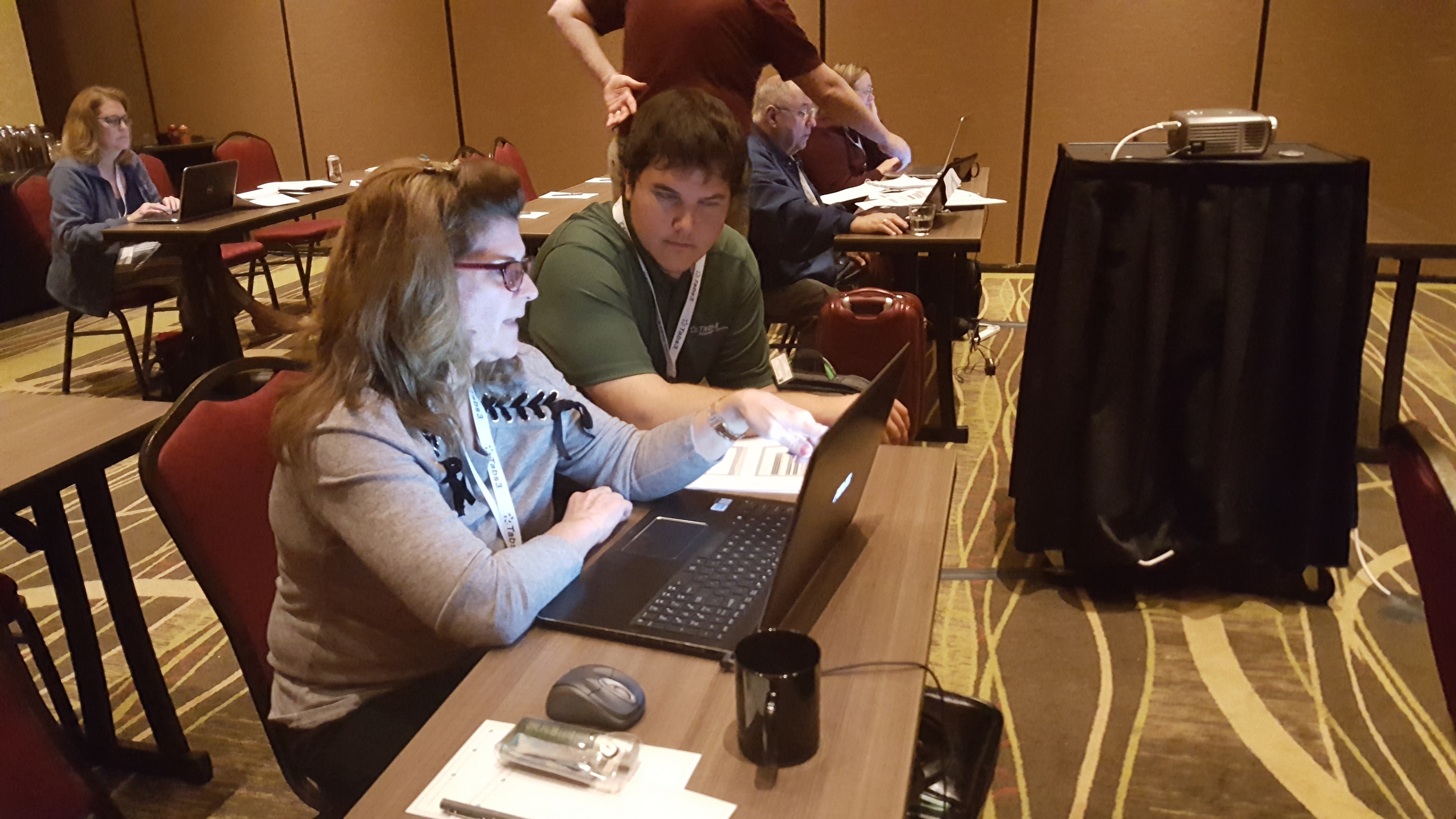
Cheryl Atherton gets one-on-one help from Tabs3 staff member Nick Laswell in one of this year’s workshops.

xDebbie Foster speaks

When Debbie Foster speaks, people listen.

xDon Grady wins

Don Grady proudly covets his Tabs3 Billing Single Site Reseller of the Year award.

xDoug Joe and Kim are ready

Kim Hanzl, Joe Abler, and Doug Kocian are ready to greet Forum attendees.

xescape room

Lots of fun escaping from a smart room during downtime.

xGeneral Session

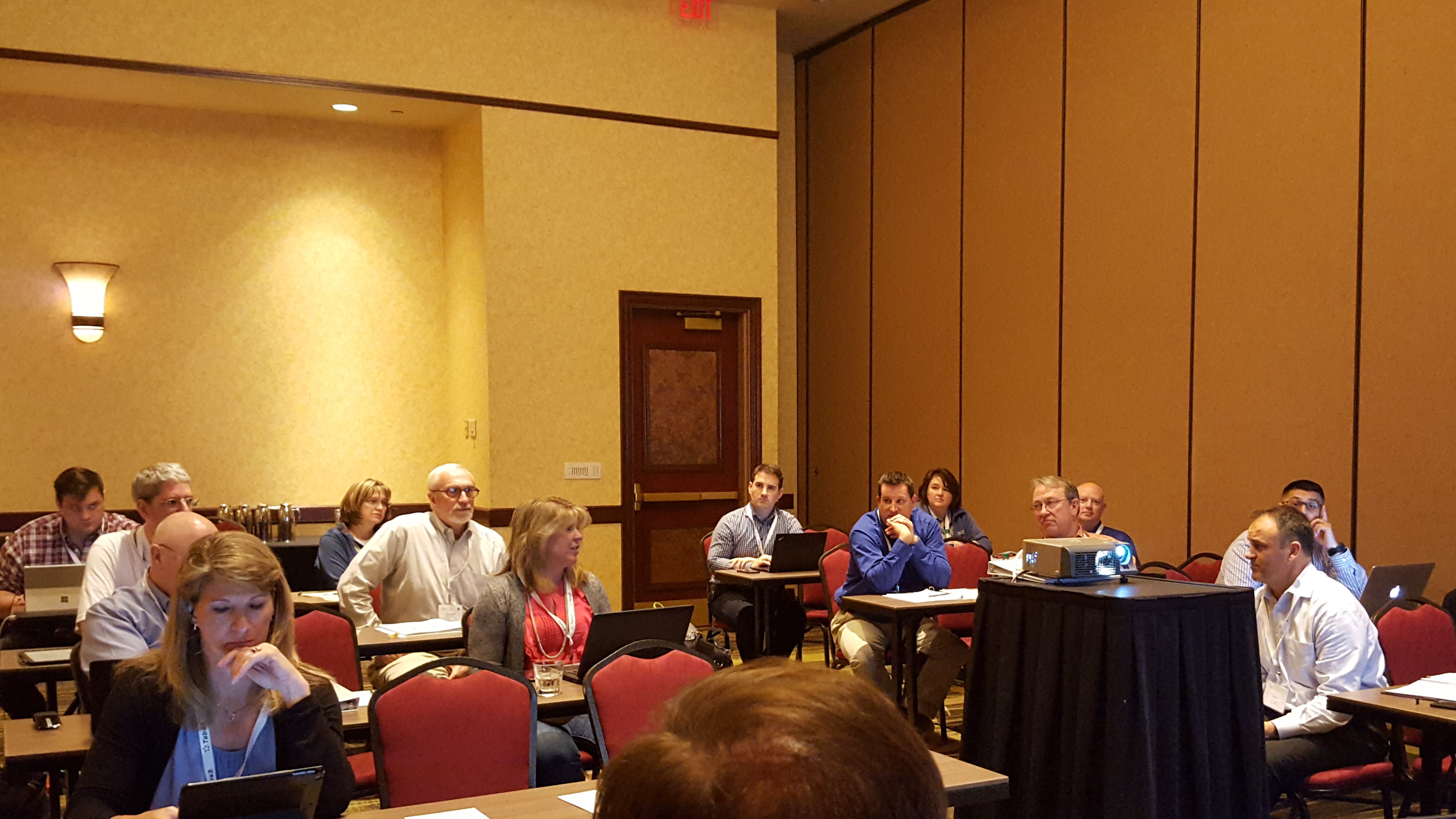
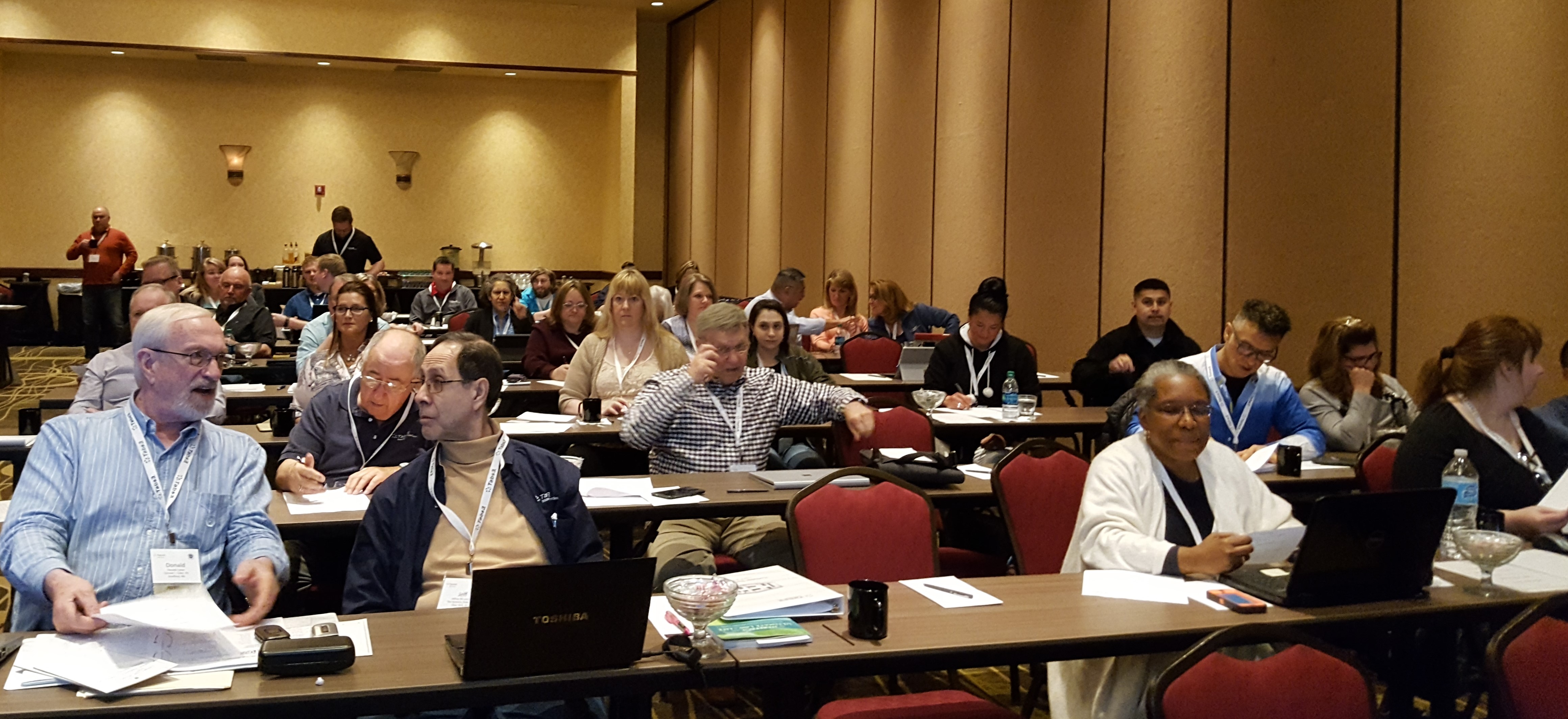
Jeff Levine listens intently as Donald Coker explains his selling techniques.


Forum 2017

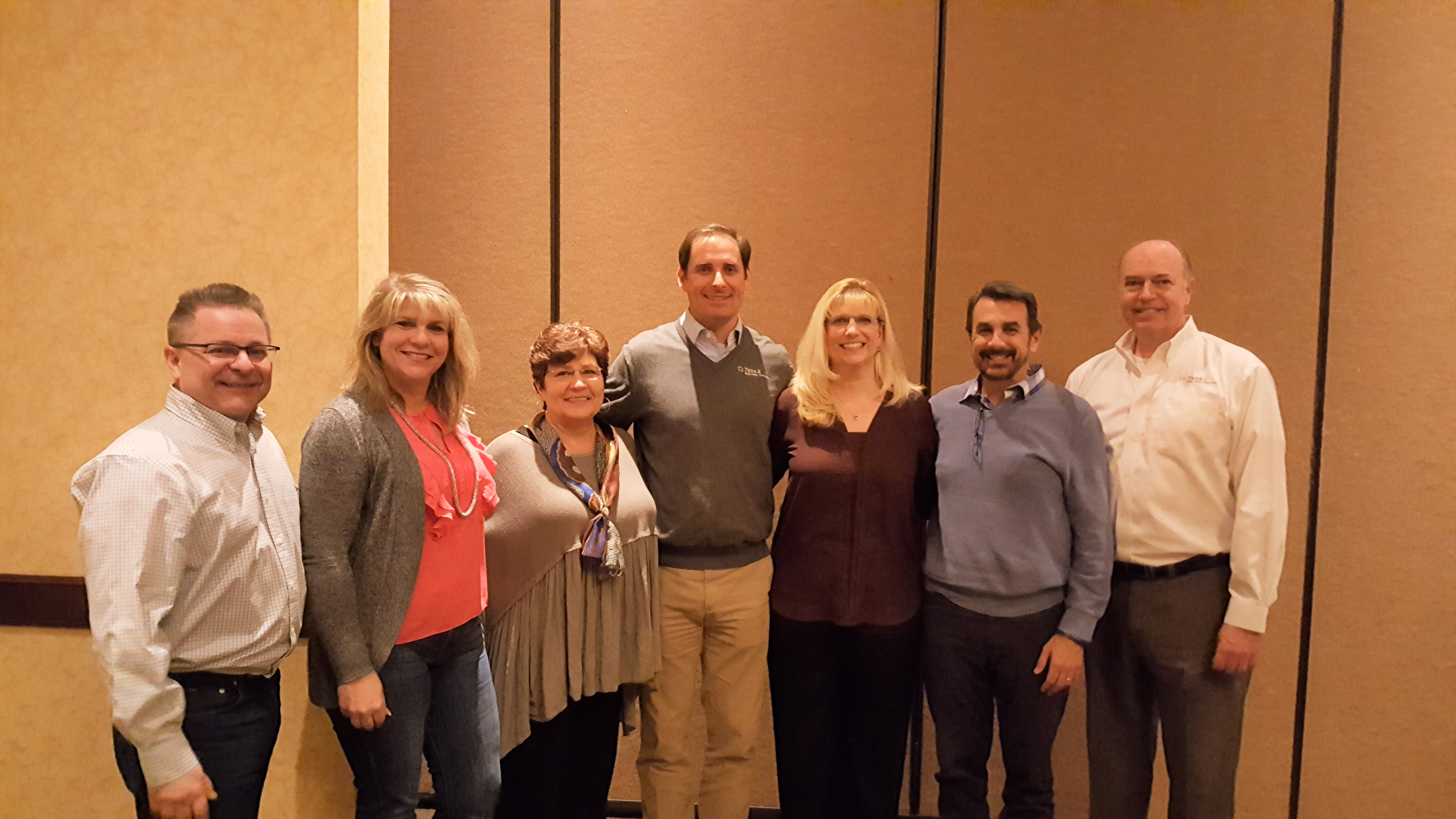
Wow, what an amazing Forum! This year’s Forum was very well attended and had something for everyone. Those that were here got to see our brand new web-based billing product, hear about a new pricing model to help sell Platinum, meet Tabs3 staff members, hear from our new partners (Thompson Street), and provide input on Version 19, in addition to hearing an impassioned speech from Brad Berlin about “his baby” that is Software Technology, LLC.

It’s always great to get such good feedback from so many talented and bright individuals. It’ll take weeks to process everything we’ve collected, but your valued input plays a large role in the software enhancements we make. Our reseller channel means a lot to us, and we’re excited about what the future holds. Mark your PracticeMaster calendar now to reserve April 20 – 21, 2018. We hope to see you next year!

Thanks to everyone who participated in the 2017 Forum. You all helped make it a big success!

Speakers

  • Britt Lorish – Affinity Consulting Group, LLC
  • Jeff Krause – Affinity Consulting Group, LLC
  • Paul Purdue – Attorney Computer Systems
  • Bill Baker – Baker + Cadence | Solutions, LLC
  • Judy Best – CyTek Corporation
  • Donald Coker – Donald J. Coker, PA
  • Judy Lassek – Legal Software Services, LLC
  • Dominic Morinelli – TECHNOLAW

The Feud Participants

Team Joe

  • Bill Baker – Baker + Cadence | Solutions, LLC
  • Rick Bernauer – CyTek Corporation
  • Judy Lassek – Legal Software Services, LLC
  • Craig Spillman – Spillman Technology Solutions, Inc.

Team Doug (Winners and repeat cheaters)

  • Debbie Foster – Affinity Consulting Group, LLC
  • Paul Purdue – Attorney Computer Systems
  • Monica D’Amore – D’Amore Consulting, LLC
  • Steve Gallagher – Digital Network Solutions, LLC

Webroot Antivirus Issue

For a very short period of time on 4-24-2017, Webroot Version 9.0.15.50 started quarantining various files due to false positives. Webroot reports they have fixed the problem. It appears you must remove the files from quarantine before you can successfully use the Tabs3 software.

PracticeMaster Feature Comparisons

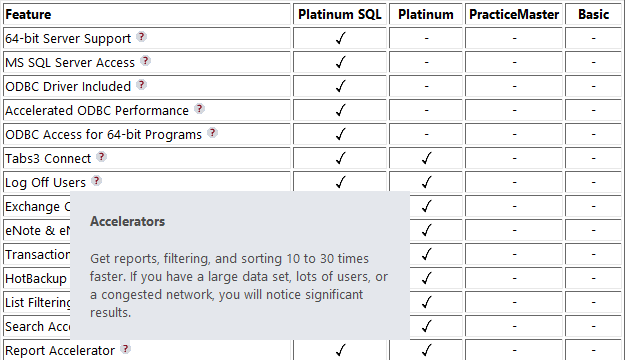
Do you ever need to tell someone what’s included in the free version of PracticeMaster? Or tell current users the difference between the free version and the paid version of PracticeMaster? Or even discuss what’s extra in the Platinum or Platinum SQL version of PracticeMaster?

We’ve got the answer!  You may already be familiar with Knowledge Base article R11548, PracticeMaster Feature Comparison. We recently updated this article to include tooltip information regarding the various features in the different levels of PracticeMaster. Consider adding this page to your Favorites. 

Thank you Joe for the great idea!

2017-04-10pmpopup

Importing Fees & Costs via Excel

We recently received several requests from firms for information on how to import fees and costs into Tabs3 or PracticeMaster via an Excel spreadsheet. As a result, we’ve posted a new Knowledge Base article that provides detailed information on how to do this. Knowledge Base article R11724, Importing Fees and Costs Into PracticeMaster from Microsoft Excel, includes a great overview, a simple Excel spreadsheet format, and step-by-step instructions for using the PracticeMaster Import Data Wizard to import an Excel spreadsheet.

2017-04-excelexample

Although many of you are already familiar with the Import Data program, this article focuses solely on importing fees and costs into PracticeMaster, which are then automatically synchronized to Tabs3. Take a look at this article for yet another method of importing fees and costs into Tabs3 and PracticeMaster.